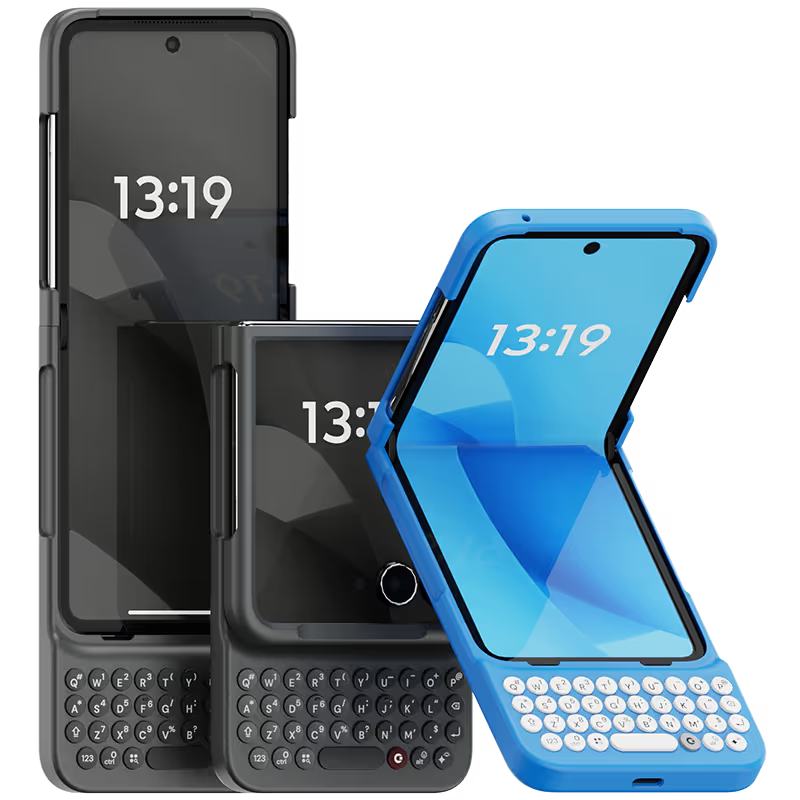
Why you'll love Clicks.

1
Feel satisfying real buttons
Pressing real buttons and hearing that little clicking sound feels more natural and rewarding.
Replay
2
Elevated premium protection
Brushed metal side keys, a microfibre lining, and a new enclosure that feels great while adding protection inside and out.
Replay
3
See more screen
Free your screen, with 50% more usable display to work, play, surf, chat and engage with your content.
Replay
4
Take action, faster
Launch customized shortcuts at the push of a button. Personalize your keyboard to control your home, launch apps, text or call contacts.
Replay
5
Keep your laptop at home
Make more happen right from your phone without needing to crack open your laptop.
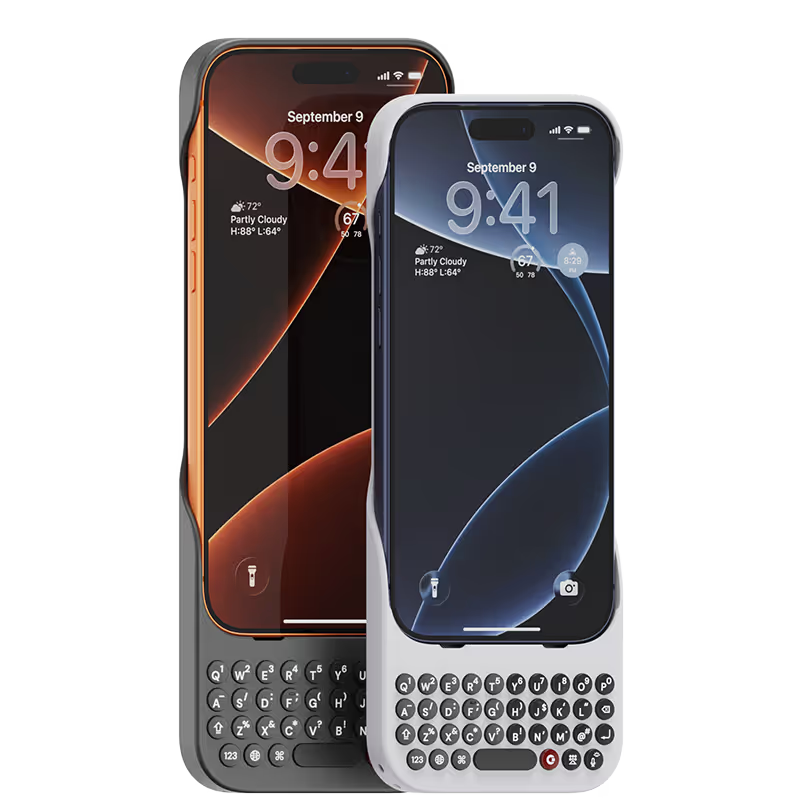
Clicks for iPhone
Available for iPhone 17, 16, 15 and 14.
In stock & shipping now.
Buy Now
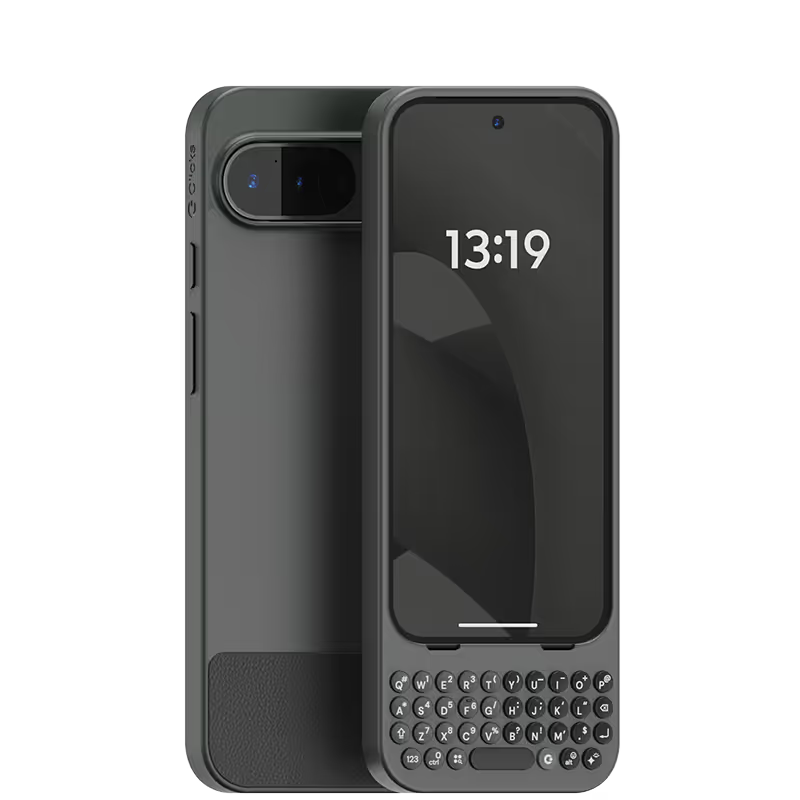
Clicks for Pixel
Pixel-perfect productivity.
Available now.
Buy Now
Clicks for Razr
Pocket-sized. Power-packed.
Available now.
Buy Now

Buttons with benefits.

More Screen

Get 50% more usable display to work, play, surf, chat and engage with your content.

Customizable Shortcuts

Launch custom actions at the push of a button.

Powerful Productivity

Real buttons that help you work smarter while away from your desk.

What Clicks users are saying.

Based on 5,328 user reviews.
Rahul Mathur
Clicks Keyboard for iPhone 17

It has been awesome to use Clicks. It has given me the entire screen space back and improved the typing speed. Also, it gets me lot of attention from others.

Visit source
裕樹 前.
Clicks for iPhone 15

なれるまで大変だけど、とにかくカッコイイ!!

Visit source
Carl Ost
Clicks Keyboard for iPhone 17

The shopping experience was great. Those receiving the items were very pleased .

Visit source
Kyle H.
Clicks for iPhone 15

Customer service, shipping time frame, and their carrier to get shipments to USPS suck. With that being said, typing on this keyboard is 100% worth it. I was so bored with my iPhone but hate the android operating system. This keyboard has made me the it girl and I am serving 2000s chic.

Visit source
Rick Leal
Clicks Keyboard for iPhone 15

Glad I purchased it as I don't like using virtual keyboards.

Visit source
Robert Coen
Clicks Keyboard for iPhone 17

As a Blackberry lover with a long term investment in iPhone Apps, this is the best combination of form and efficiency. If you have never tried this accessory, try it. the size is a benefit for steadying your iPhone and the keyboard is legendary.

Visit source
Aaron George
Clicks Keyboard for iPhone 16

I love all the upgrades they made to this keyboard over previous models!

Visit source
BEN LIEW
Clicks Keyboard for iPhone 16

The keyboard is really compact with high quality build. Highly recommended for focussed typing.

Visit source
myungjun yu
Clicks Keyboard for iPhone 14

This Clicks case is an absolute game-changer, especially for anyone who harbors a deep nostalgia for BlackBerry. It beautifully addresses that longing, but with a crucial modern upgrade: you don't have to deal with the limitations or complexities of the old BlackBerry OS. This is the physical typing experience we missed, seamlessly integrated into the current smartphone era. The sheer joy of feeling that satisfying, clickety-clack pressure from a physical keyboard again is invaluable. In the age of touchscreen uniformity, this tactile feedback alone justifies the purchase. Furthermore, the design is incredibly striking and novel. I've received numerous inquiries from strangers asking, "What kind of phone is that?" and "Is that keyboard actually physical?" The Clicks case instantly transforms the sleek, familiar look of the latest iPhone into something genuinely unique and eye-catching. My Verdict: If you are a heavy keyboard user or simply miss the unmatched speed and precision of a physical QWERTY keyboard, you should not hesitate. This case is a brilliant marriage of classic ergonomics and modern smartphone performance.

Visit source
Immanuel vinodh Anthony
Clicks Keyboard for iPhone 16

It brings back the experience of using the keypad phone along with the sound, I love it

Visit source

Clicks has you covered.
Try for 30 days.

It takes a week or two to get used to typing on real buttons –  you’ll need a little bit of patience and perseverance. Trust our tens of thousands of customers, it’s so worth it!

If it’s just not for you, we’ll give you your money back, no questions asked.