


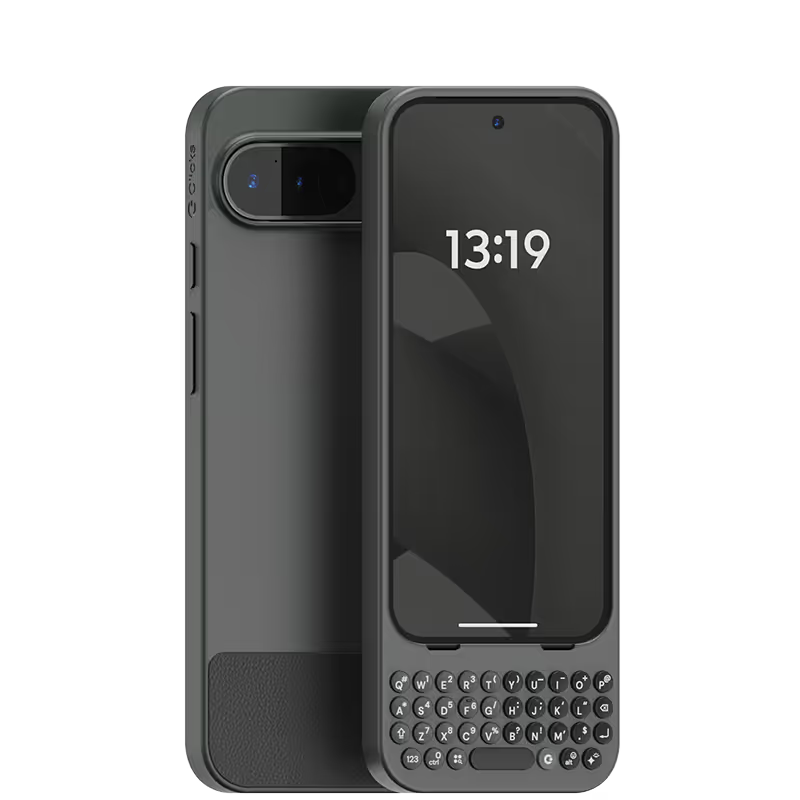
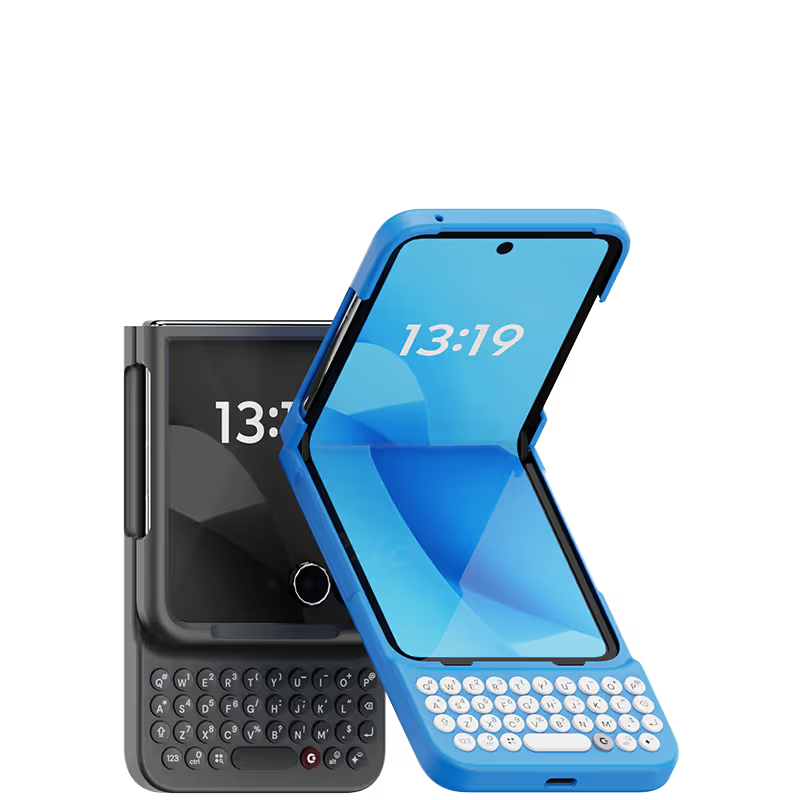
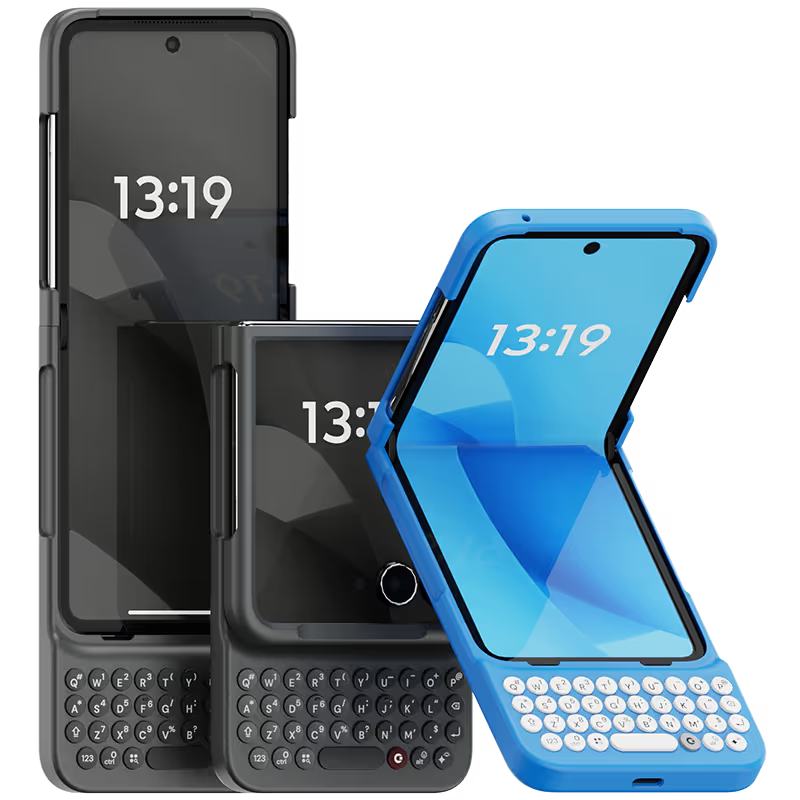


The keyboard is really compact with high quality build. Highly recommended for focussed typing.

There are two sides to my experience with the Clicks keyboard: my own user experience and how others perceive it. Let me start with my own. As a former BlackBerry user and lifelong fan, I’ve always missed the tactile feel of a real physical keyboard on my phone. Clicks delivers beautifully on that nostalgia - the keys are high quality, backlit, and perfectly spaced, with a typing sensation that comes impressively close to a classic BlackBerry. The shortcuts are another fantastic feature. As someone who constantly switches between work apps (like Teams and Outlook) and personal apps, the ability to jump between them instantly is a huge productivity boost. And for those moments when you’d rather type silently, the on-screen keyboard pops up seamlessly. I absolutely love my Clicks keyboard, and after waiting over a year to snag one at a great price, it was worth every penny. Now, onto the public reaction - this thing is a total head-turner! Everywhere I’ve used it, across the UK, Qatar, Turkey, and Pakistan, people either stop me to ask what it is or glance curiously trying to figure it out. It’s always a fun conversation starter, especially with fellow tech enthusiasts; the vibe feels a lot like chatting with a car enthusiast about your custom mods. If you miss the days of physical keyboards, or just want a unique and productive upgrade to your iPhone experience, I couldn’t recommend this enough.
It’s elegant, it works fantastically well. Simply a must have item for any phone.
Clicks team did it right with designing this keyboard. More accurate and just a joy to type on. I now give full email replies via my mobile rather than waiting until I'm back on my laptop. Can't wait to see what the future holds for model and feature updates. Keep it up!
Great design, easy to install and user friendly. Have no regrets 🥳
This Clicks keyboard is like a dream come true for anyone who hates the on-screen keyboard. The keys are so satisfying to type on, and the layout is intuitive. Plus, the backlight is a lifesaver for late-night typing sessions. I can finally get work done efficiently on my iPhone!
I love this keyboard. Less typos and the size is not that big of an issue. Highly recommended
I was a "founder" for the first generation Clicks Keyboard. As a former Blackberry enthusiast, it was an accessory that I searched high and low for. Now that iPhone 17 Pro Max was released, the first accessory I ordered was a new Clicks Keyboard. The experience is even better. I find the size of the keys and low weight of accessory is perfect for my needs. I even have a spare, just in case. So I highly recommend that any iPhone user purchase one ASAP.
This keyboard makes for a great combo with the Razr Plus! You get the full keyboard experience while keeping the phone small in your pocket - something that wasn't possible with the Pixel 9 Pro, for example. The first keyboard they sent me had an issue with the shift button, but they sent me a replacement after a few weeks.


.avif)
.webp)


