As iPhone air is a brand new platform, we want to get it in our hands and test it before deciding whether it’s suited to Clicks. If you’re interested in Clicks for iPhone Air, please complete this survey to let us know. We’ll contact you as updates become available.
No, Clicks for the iPhone 17 series is not compatible with previous generation iPhones. Clicks for the iPhone 17 Pro and iPhone 17 are interchangeable, but Clicks for the iPhone 17 Pro Max will only fit that model.
The thinner, lighter enclosure, snap-in design and lanyard support will be exclusive to Clicks for iPhone 17 models.
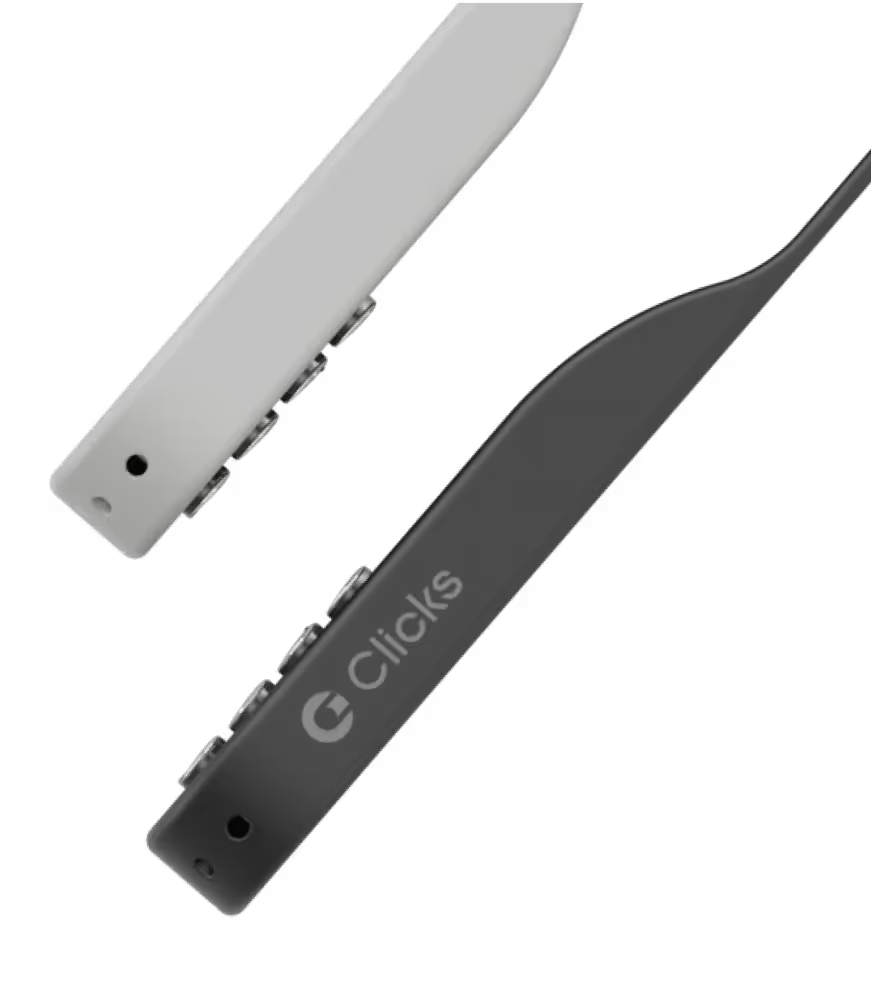
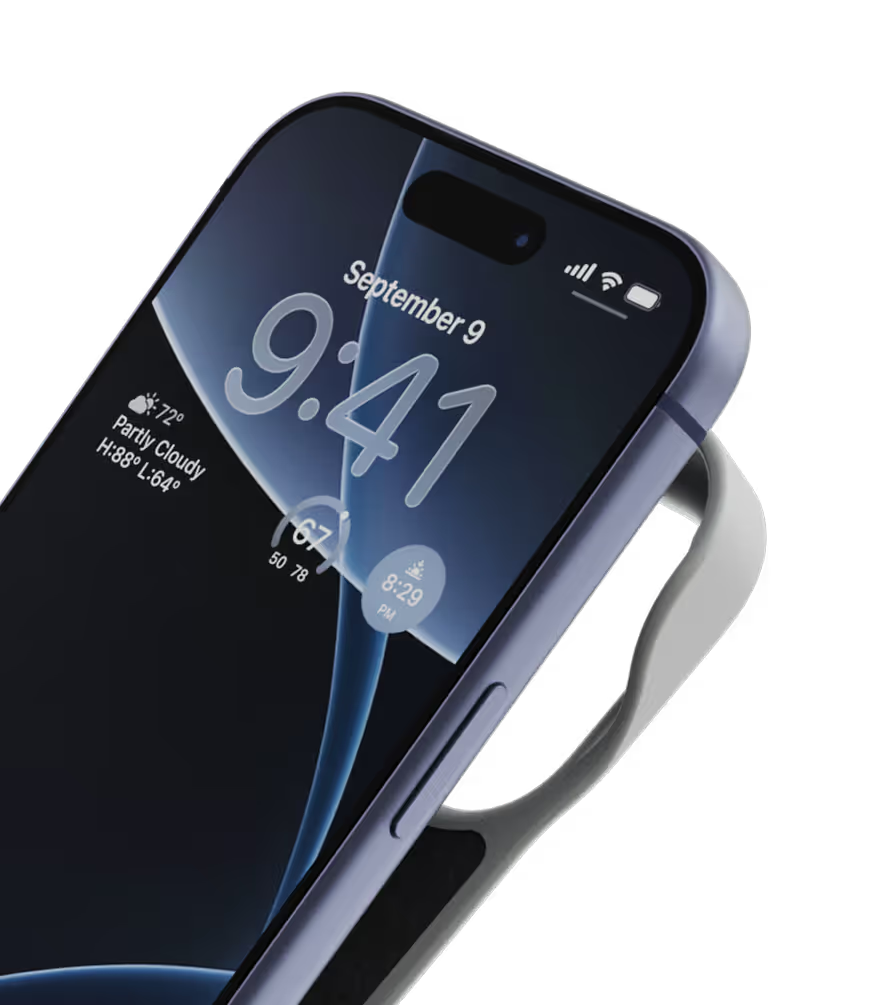
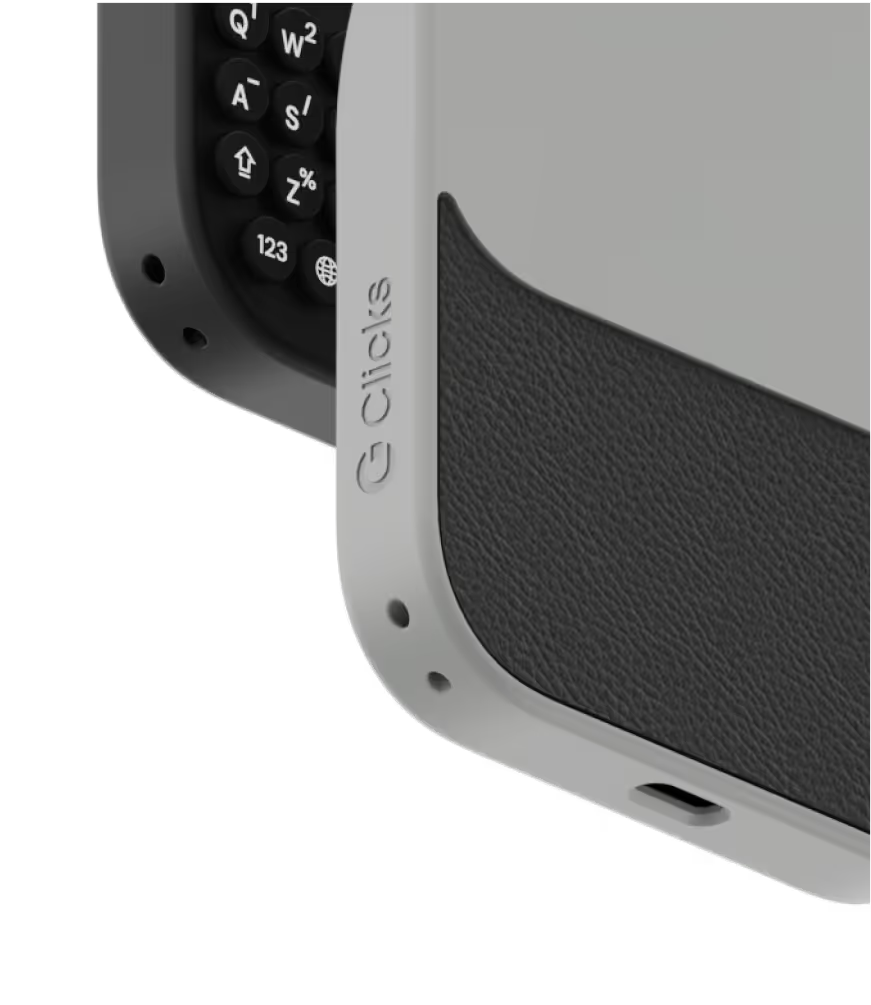
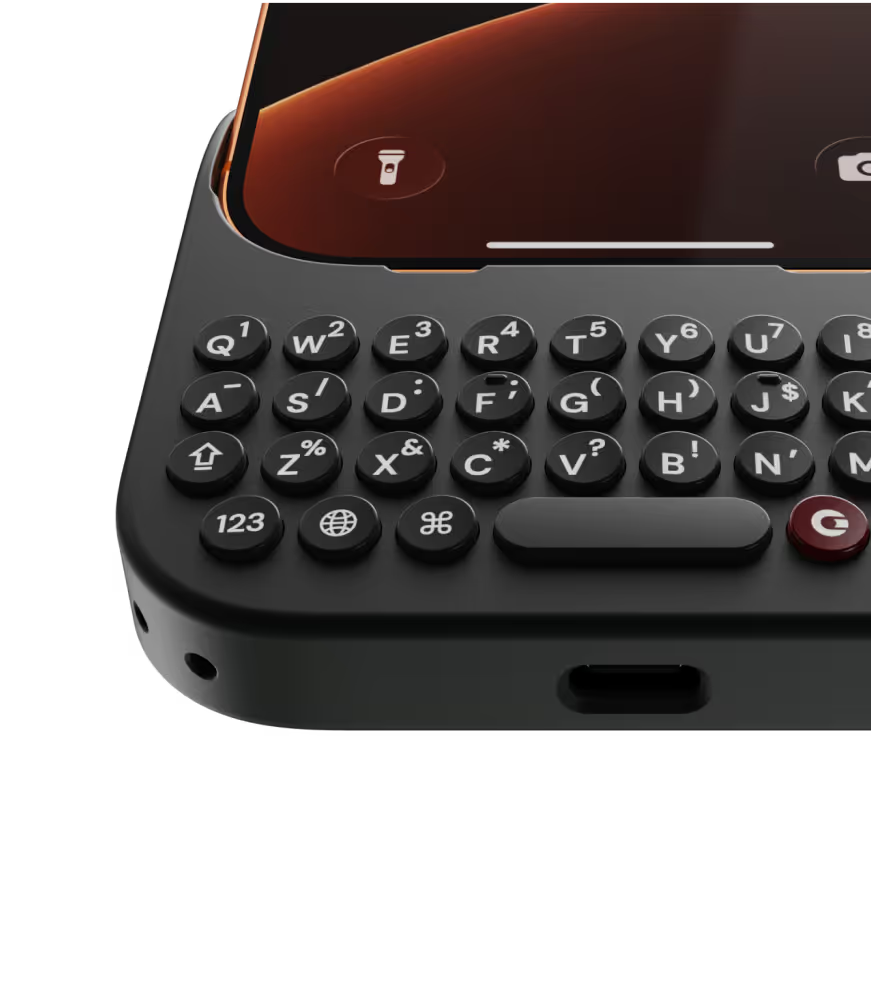
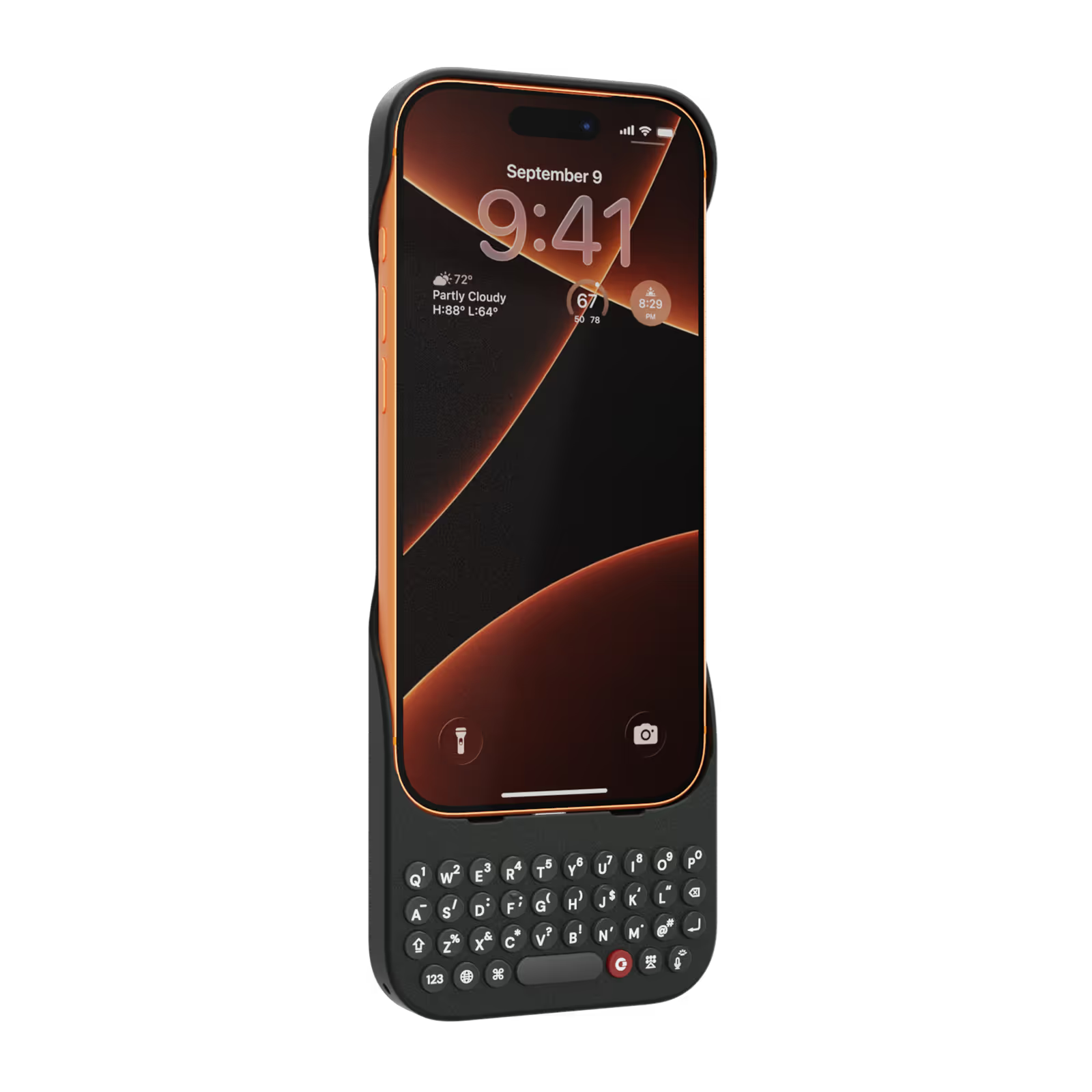
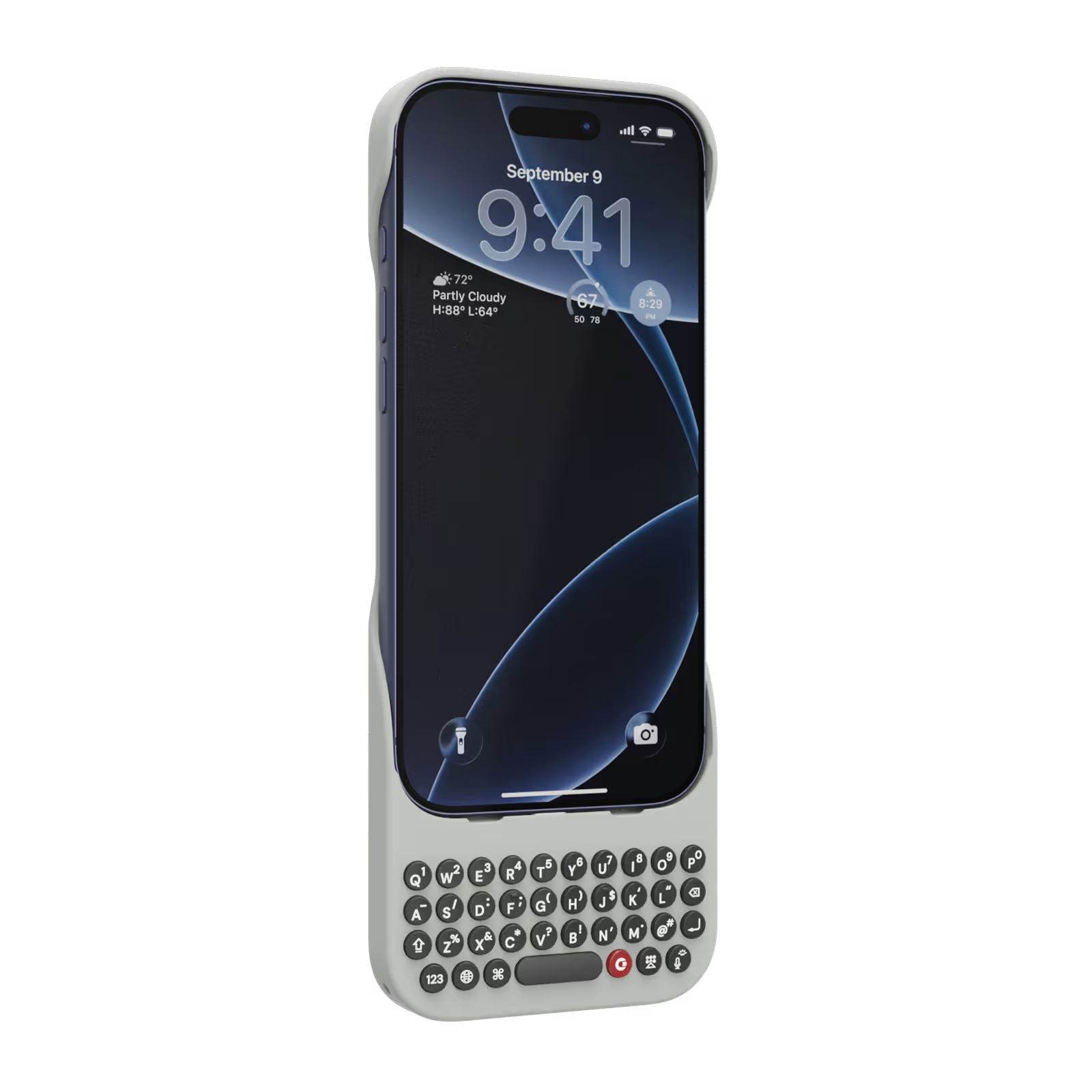
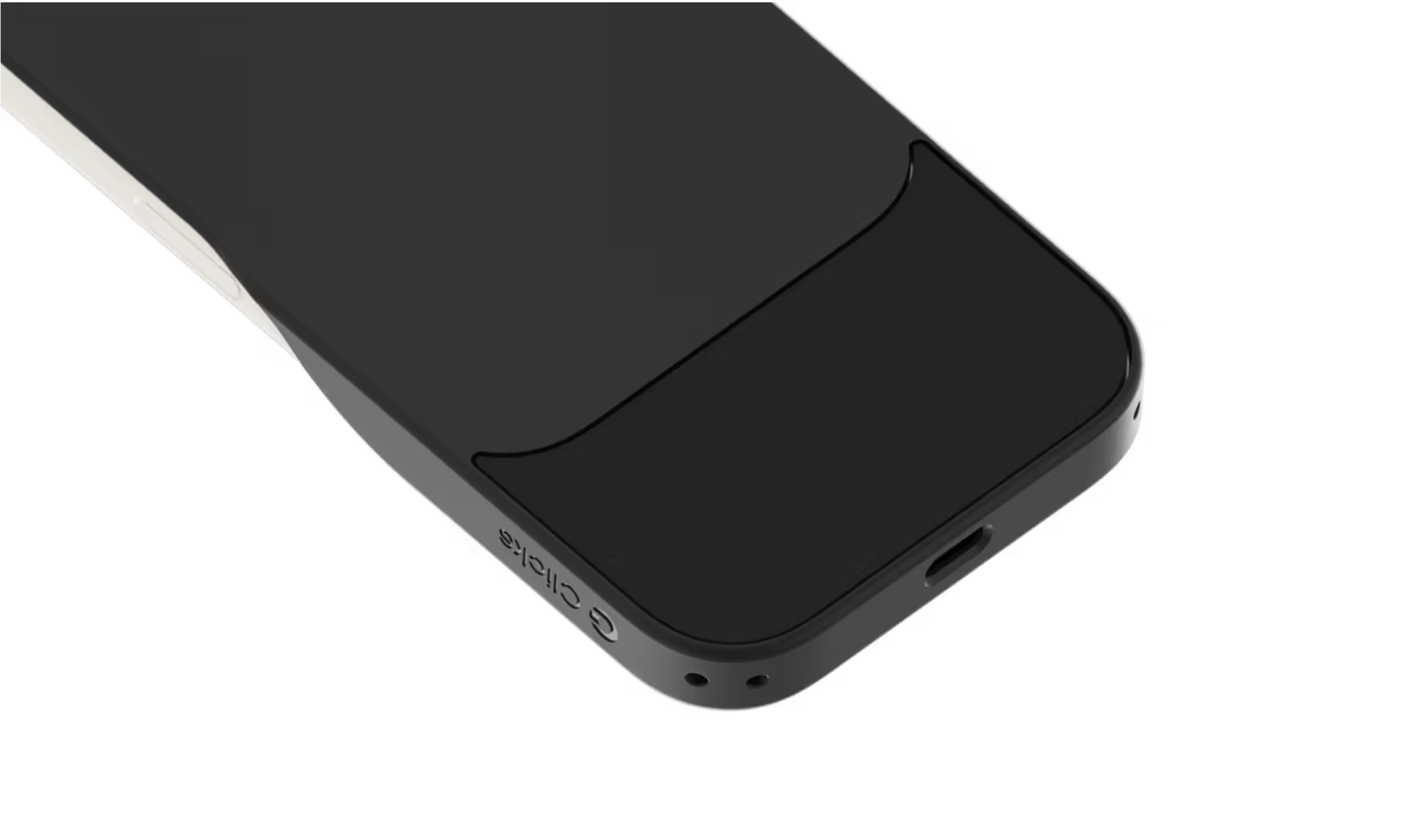
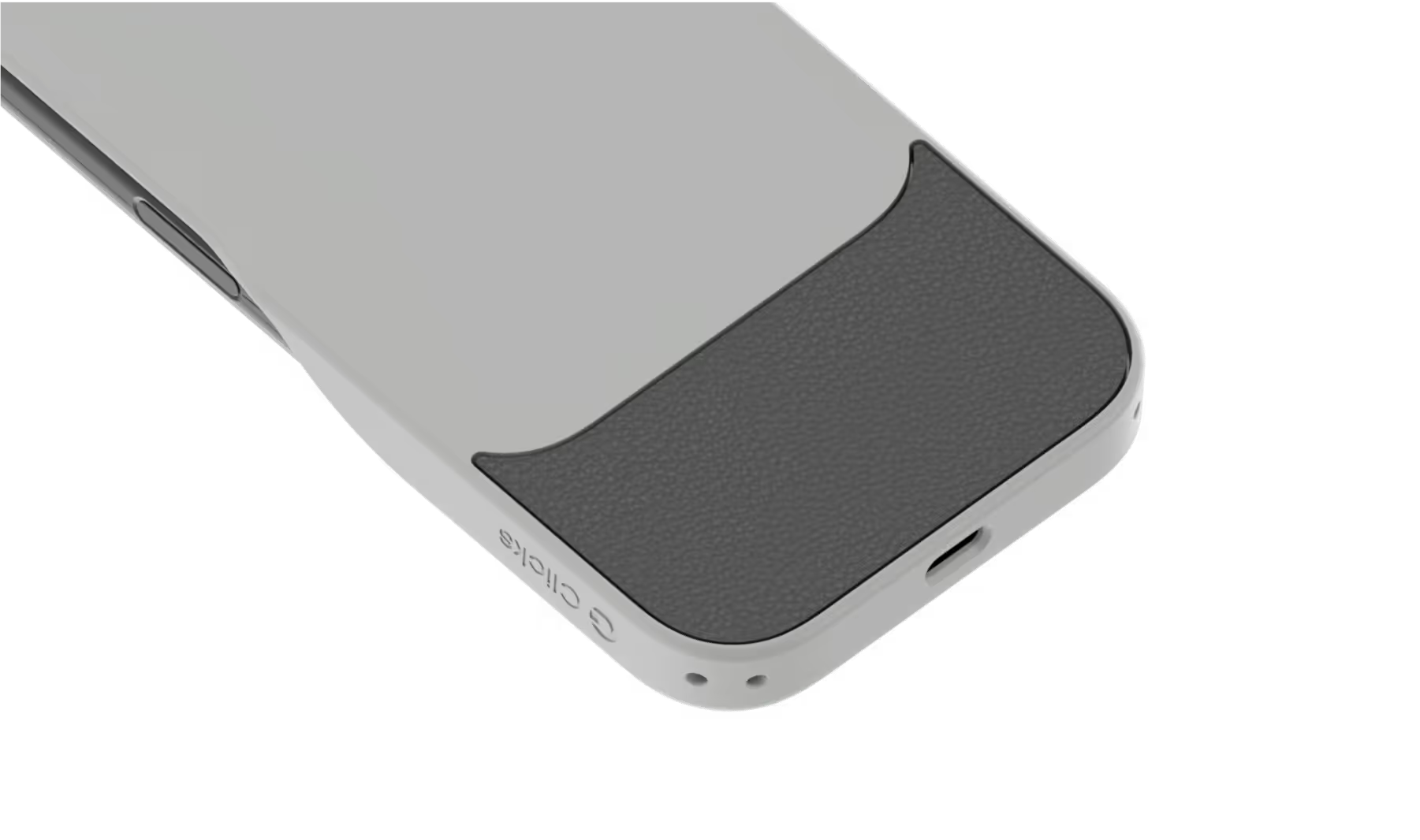
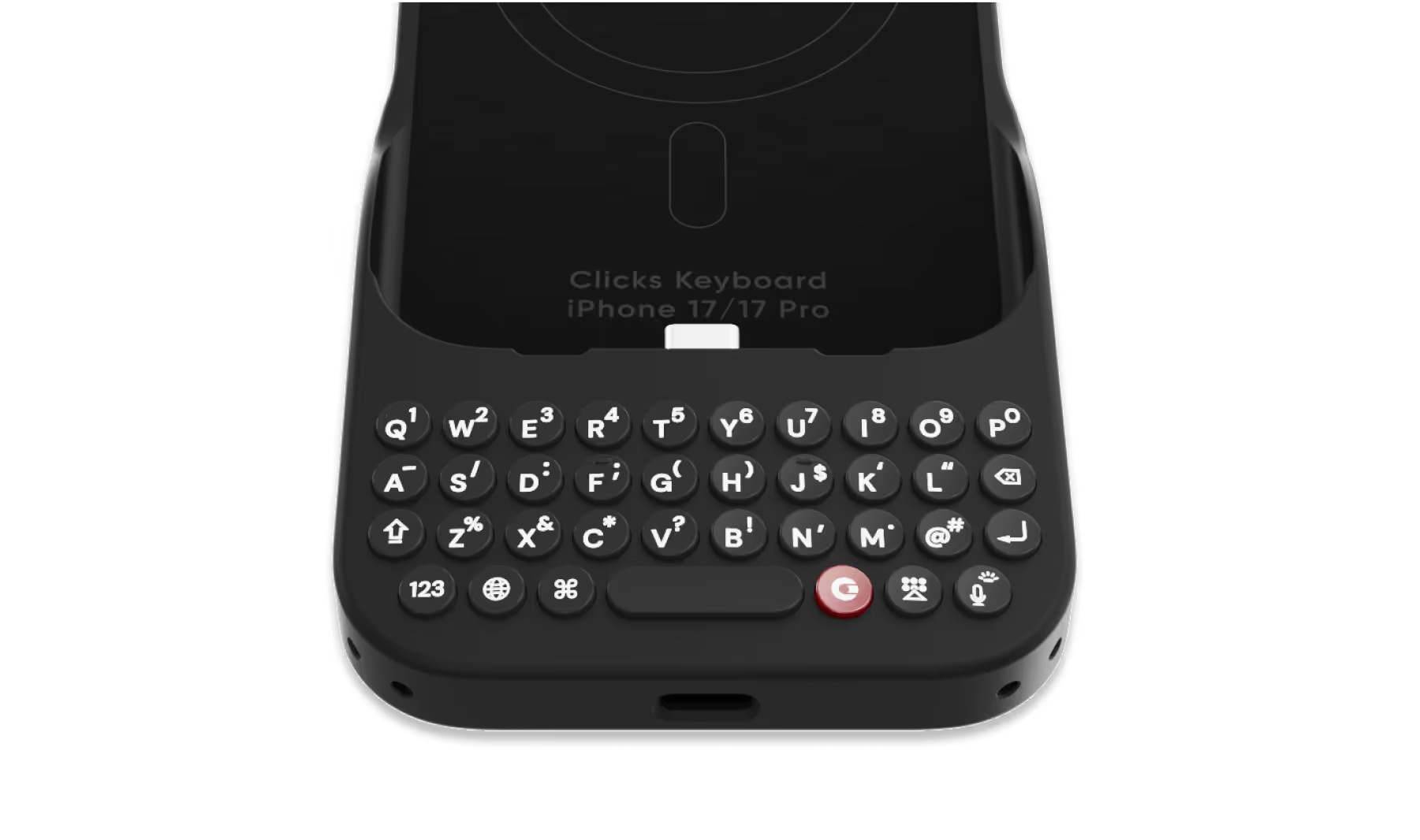
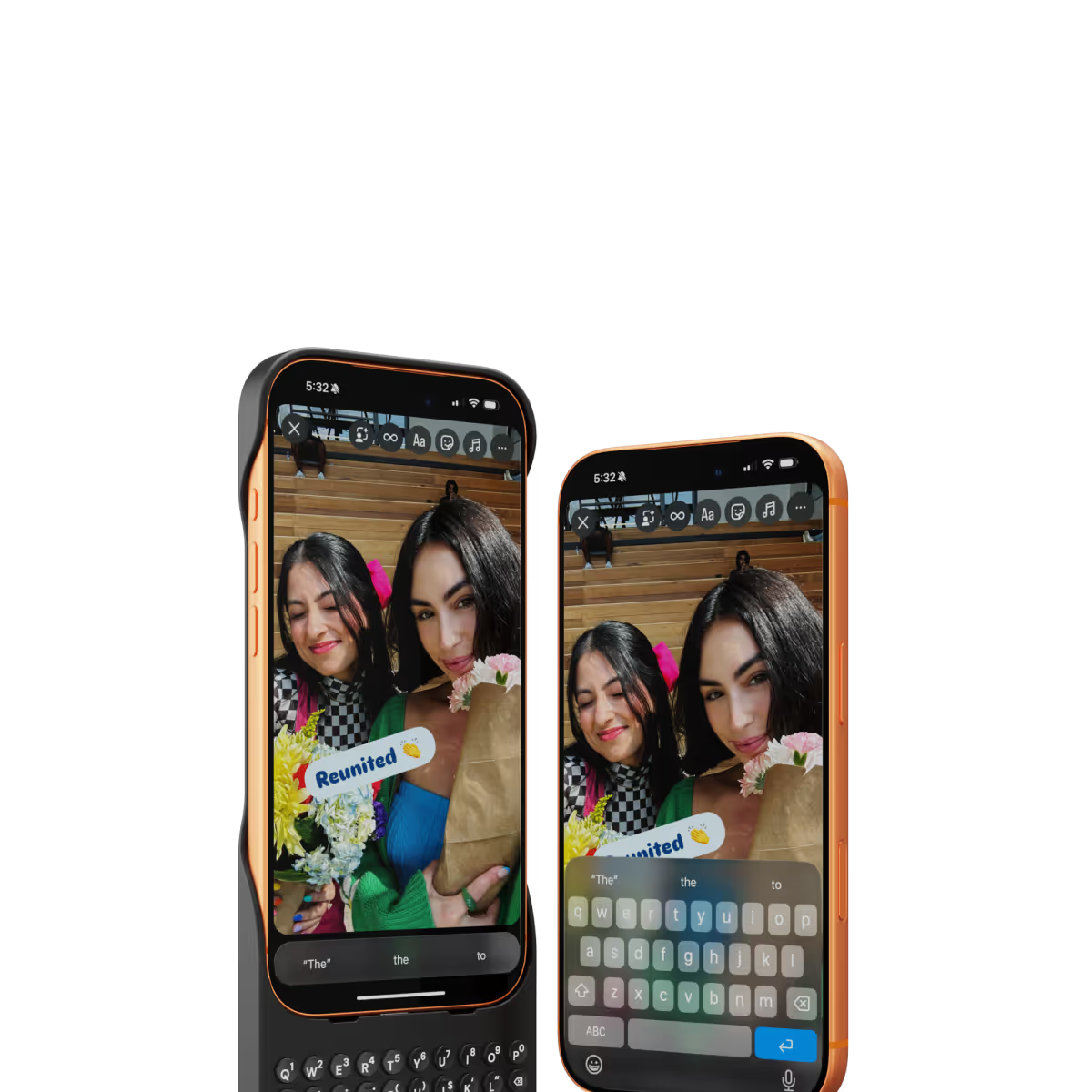
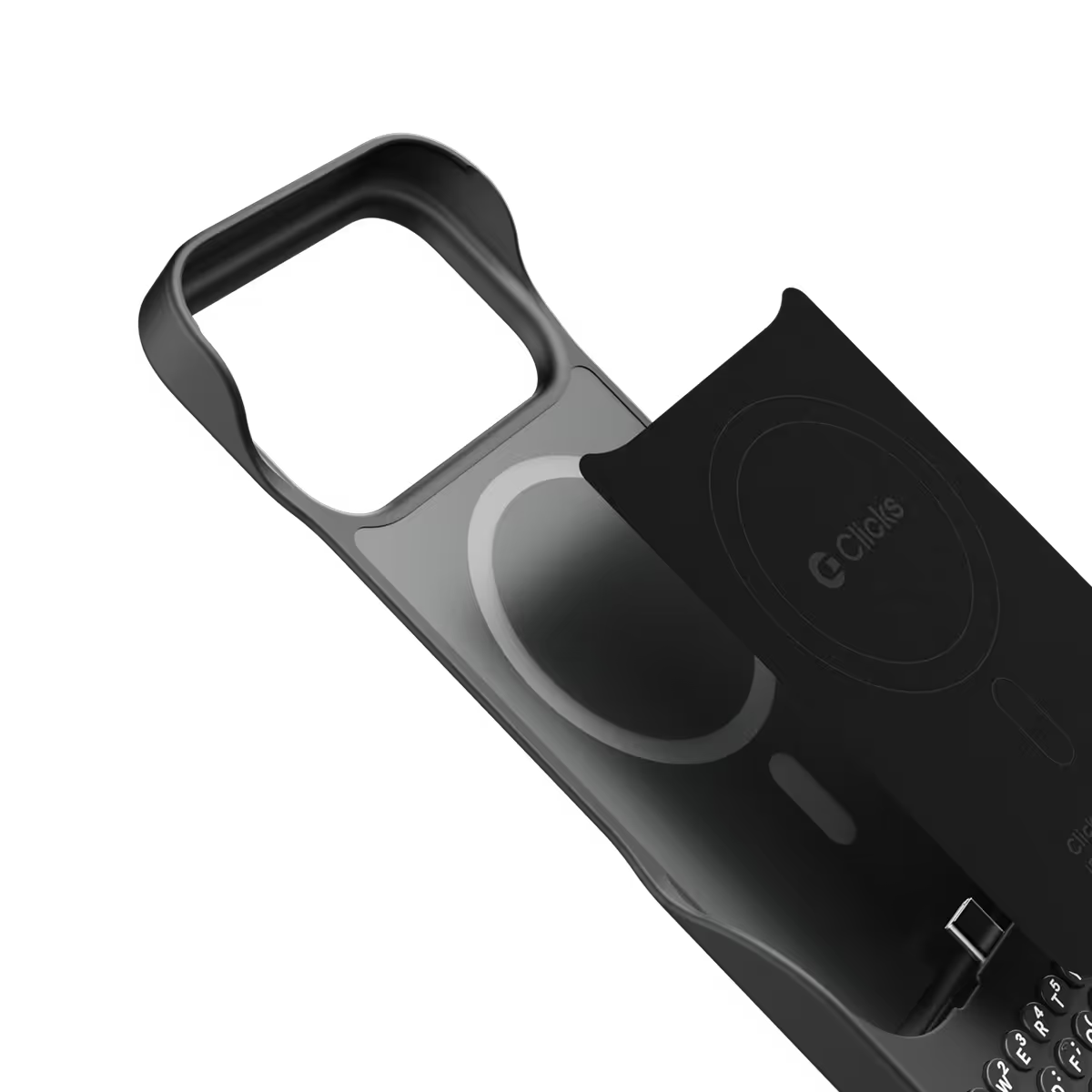
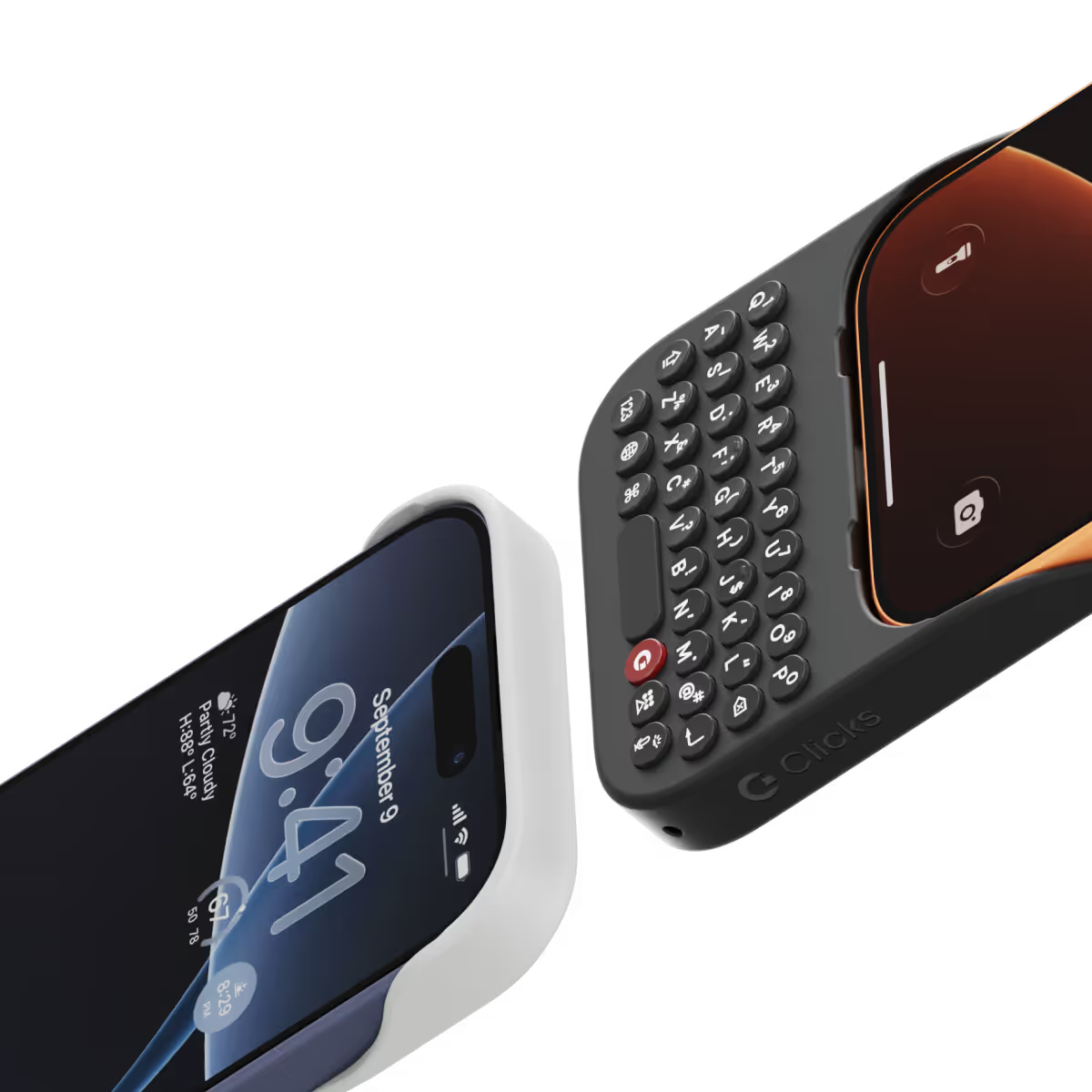
Clicks for iPhone 17 introduces a new enclosure design that's 40% thinner and 11% lighter than Clicks for iPhone 16. The new contoured shape makes Clicks easy to hold and allows your iPhone’s natural colour to shine through while the new enclosure makes it easy to add and remove your iPhone. Plus, a dual attachment point lanyard system allows you to use Clicks with wrist loops and cross-body straps.
Yes, absolutely! Reach out to support@clicks.tech with your order number and required changes. A team member will help make the necessary updates.
Batch 1 orders will be exclusive to Clicks.tech in 2025. Clicks for iPhone 17 may come to other channels like Amazon and Best Buy in 2026.


it is great. I love it! It makes me a little slower but I think it is worth it. Also, it drains your battery faster. I think all of this is worth it! I always wanted something like this since my iPhone 4 haha.
Fantastic, essential for me as I write several mails and even short stories
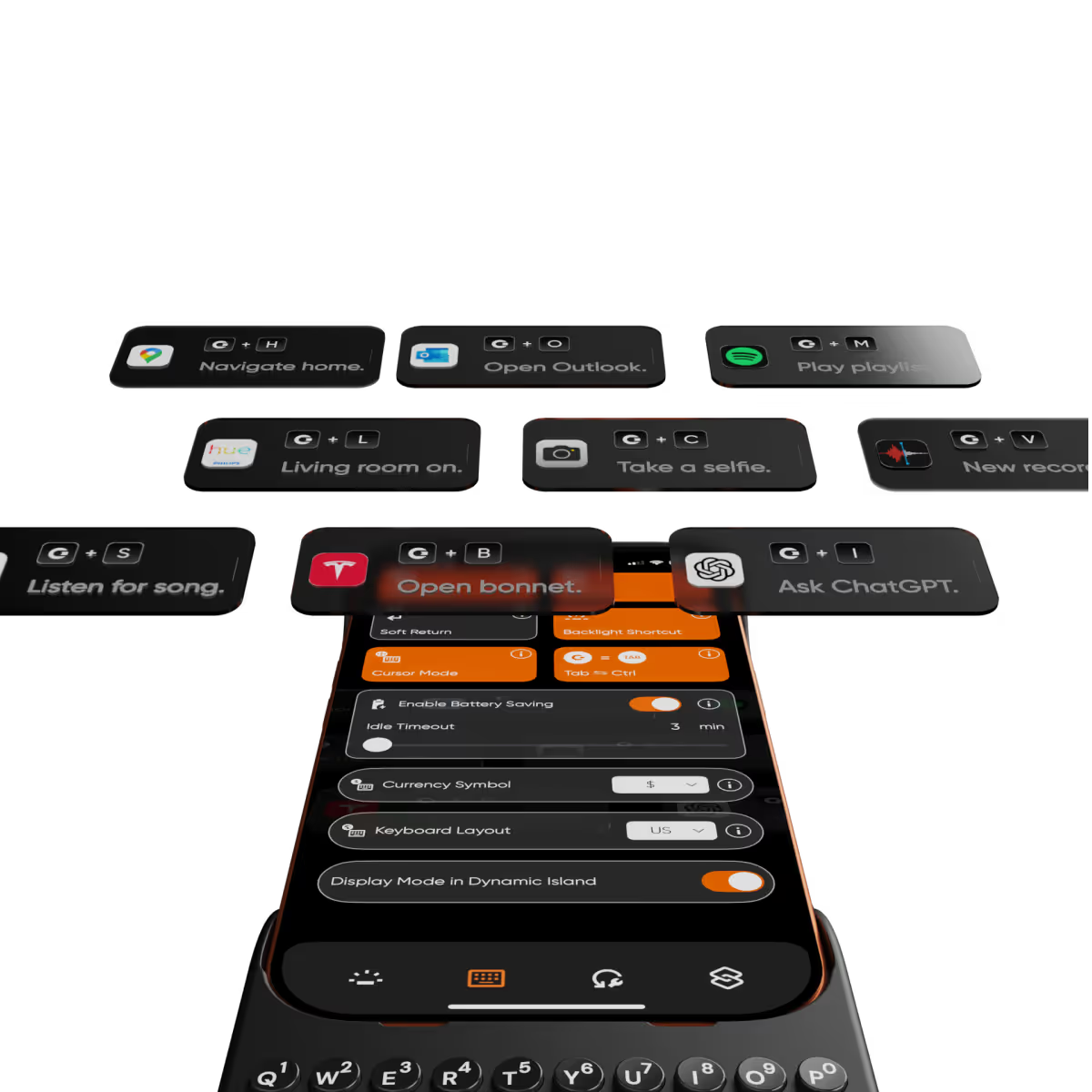
As a long-time fan of physical keyboards and a former BlackBerry user, I was thrilled to discover the Clicks keyboard for iPhone. This innovative accessory brings back the tactile typing experience many of us have been missing in the era of touchscreen smartphones. **Design and Compatibility** The Clicks keyboard seamlessly combines the best of both worlds – the versatility of an iPhone with the satisfying feel of a physical keyboard. It's designed to work harmoniously with the iPhone, creating a nostalgic yet modern device that caters to those who crave tactile feedback while typing. **Typing Experience** While my typing speed hasn't significantly increased, I've noticed a marked improvement in accuracy. The physical keys allow for more precise input, reducing the frustration of autocorrect mishaps common with on-screen keyboards. As with any new input method, there is a learning curve, but I've found my proficiency improving week by week. **Standout Features** The most impressive aspect of the Clicks keyboard is its shortcut functionality. The ability to open specific apps directly from the locked screen is a game-changer, especially for users with numerous applications. This feature significantly streamlines the user experience, saving time and reducing the frustration of searching for the right app. **Customization and Accessories** To enhance the Clicks keyboard experience, I've made a couple of modifications: 1. Added a low-cost MagSafe ring to the back for convenient charging. 2. Improvised a holding band to improve grip and typing comfort. These small additions have further improved the usability of the device, making it even more tailored to my needs. **Learning Curve** It's worth noting that adapting to the Clicks keyboard may take a few weeks for some users. However, the investment in time pays off as typing speed and accuracy continue to improve with regular use. **Conclusion** For iPhone users who miss the tactile feedback of physical keyboards, the Clicks keyboard is a dream come true. While it may not dramatically increase typing speed, it offers improved accuracy, fantastic shortcut capabilities, and a nostalgic typing experience. With a bit of patience during the adaptation period, this accessory can significantly enhance your iPhone usage, especially if you're a heavy typer or app user. Reference Photos https://i.ibb.co/fNqRR2v/IMG-0022.jpg https://i.ibb.co/8gGbGzv/IMG-0023.jpg
Attention, tech enthusiasts and keyboard warriors! Remember the nostalgic days of tactile typing on your mobile phones? The satisfying clickety-clack that accompanied every text message, email, and hastily written note? Relive those moments with Clicks for iPhone, a resurrection of the lost art of physical keyboarding. As a seasoned veteran of the mobile phone scene, I've witnessed the rise and fall of countless trends, but few have intrigued me like Clicks. This ingenious little add-on empowers you to transform your sleek touchscreen iPhone into a pocket-sized productivity powerhouse, enhancing your efficiency on the go. The Clicks keyboard is a marvel of engineering, with well-spaced keys that provide just the right amount of tactile feedback. Typing on it is like typing on a miniature laptop, but without the bulk or the awkward stares from fellow commuters. Sure, it takes a bit of getting used to. My thumbs initially felt like a fish out of water, flopping around in search of their digital home. But after a few days of practice, I was zipping through emails and social media posts with newfound speed and accuracy. And let's remember the sheer joy of hearing that satisfying click with every keystroke. It's a symphony of productivity, a rhythmic reminder that you're getting things done. Of course, there are a few minor quibbles. The Clicks keyboard adds a bit of bulk to your iPhone and makes it longer. But for those of us who prioritize function over fashion, these are minor sacrifices. So, if you're tired of hunting and pecking on your touchscreen keyboard or simply yearning for the tactile typing experience of yesteryear, give Clicks for iPhone a try. Your thumbs will thank you.
My experience has been excellent. This is a device that those of us who write a lot must have. The teachings from you are very helpful and always ahead, so we can become more skilled each time. The shortcuts and videos are helpful and provide new ideas. I am very grateful and look forward to more.
Great product, but unfortunately the keys and balance doesn’t work well well for me. I would also like the keyboard to be heavier or weighted. It made the phone too long and floppy. My hands have some flexibility limitations, so the product just wasn’t right for me. A modified case with a battery bump, under the keyboard and extending towards the top of the phone, might help the phone’s holding balance with the additional benefit of an external battery pack. Just a thought for a future version.
Having a real keyboard again is fantastic. I can touch type with so few errors again. The feedback from the buttons is great. The keyboard itself is a perfectly ergonomically designed. A great great all round product.
Typing on the iPhone is no longer a chore with the Clicks keyboard. Keyboard shortcuts are also excellent. I contacted support with a technical question and they responded within 5 minutes answering my query. For me this is a must have accessory from a great company.
Depuis que j’ai cette coque clavier Clicks, je ne peux plus m’en passer ! Très beau design. Une facilité d’adaptation sans précédent. Tout est vraiment parfait / suggestion peut-être rajouter une icône qui s’affiche quand la touche MAJ ou 123 est ou reste activé. Mais je suis 100% satisfait de ce produit je recommande !