



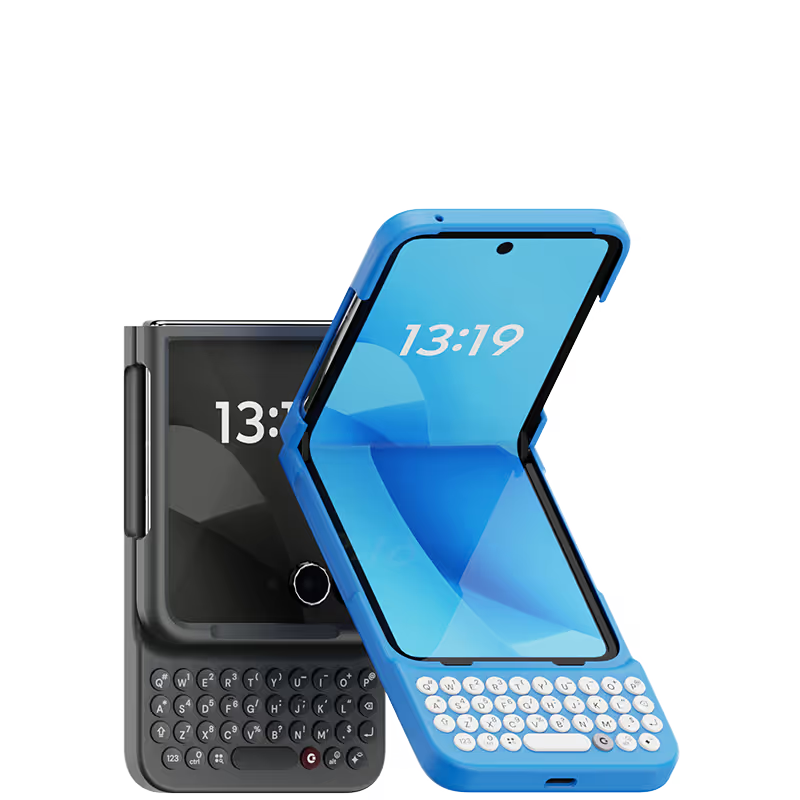
Click into the keyboard


















My Clicks is on a Pixel 9. It makes the quote quite long, but the keyboard is worth it. Yes, I was once a Blackberry user, and yes, I'm over 50. For me, the keyboard eliminates most typos, and allows me to work faster. Also, the extra screen real estate, due to no one screen keyboard showing, is quite useful for longer messags, and in chat. The quality of the build and fit of the keyboard case seem very qood after a few weeks of daily use.

for the generation that grew up with blackberry and physical keyboards, Clicks is a Godsend! I have missed typing without looking at the screen or they keys, and I’m getting there! A few more weeks I suppose! And definitely starts a few conversations when they see my pull my phone out to type!
I love love LOVE this case. I have truly missed the days of blackberries and it just feels SO nice to have a physical keyboard again. This case is definitely a head turner but it is so worth it. It has brought the joy back to using my phone and makes me feel like i have a little computer in my pocket. The layout is nearly perfect. The only thing i wish is that they was a way to make the “enter” button go to the next line instead of sending text but its okay. Ill live.
The keyboard is very useful easily To use and back lit in dark rooms It’s a shame that you can’t have (on the go ) c'est la vie but charging ok
The keyboard works great for now and frees up a lot of screen space. Overall the typing experience is so good compared to the touch screen. I am a fan of tactile keyboards.
I’ve been following the Click project since the very beginning and was so excited for its launch — and I just have to say: it has completely lived up to my expectations. First of all, a huge thank you to the team behind Click for not only delivering a serious and well-thought-out product, but also for showing that the company itself is just as solid and professional. I initially purchased 5 Clicks and I absolutely love them. The concept is brilliant and honestly, it has made a huge difference in my workflow. The app is super intuitive, everything connects smoothly, and it’s just one of those tools you quickly wonder how you lived without. I’m already planning to get 4 or 5 more — that’s how useful they’ve been for me. Now, I also want to highlight the customer service, which was honestly one of the best experiences I’ve had. Two of my Clicks were unfortunately defective, and when I reached out, not only did they refund me without even asking for a return, but they also sent me a coupon as a kind gesture. That kind of support really shows that they care about their customers and stand behind their product. All in all, I’m so happy to have supported this project from the start. It’s rare to see a company deliver so well on both product and service. Highly recommend it to anyone — especially if you’re looking for ways to boost productivity in a simple, elegant way. Super impressed!
i must say it is unique, it's fun, it's one of a kind. that being said, there are some minor tweaks that I'm looking forward to. the paint chips for the top case only after a month of use, but i contacted the support team and they will send me a new one. weight distribution is fine even when it is open. there is a learning curve. i like that the customer service is on point.
Great overall experience. Relearning how to type on a physical keyboard took a week, but really enjoying the experience now. Be prepared to be asked about your Clicks every time you use it in public. People are fascinated with it and will ask you if that's a computer.


.avif)
.avif)
.avif)
.webp)
