


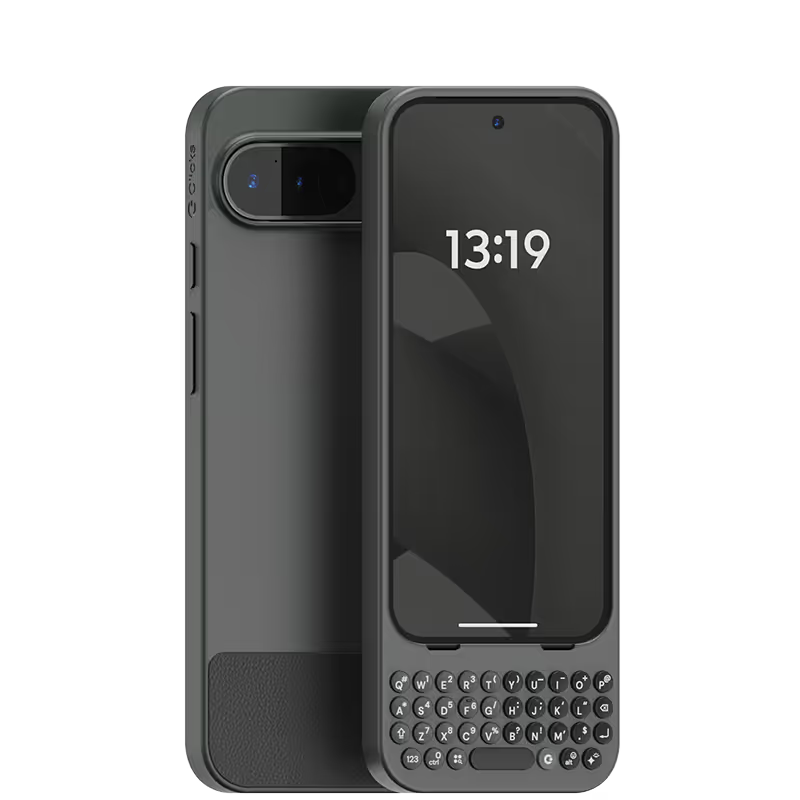
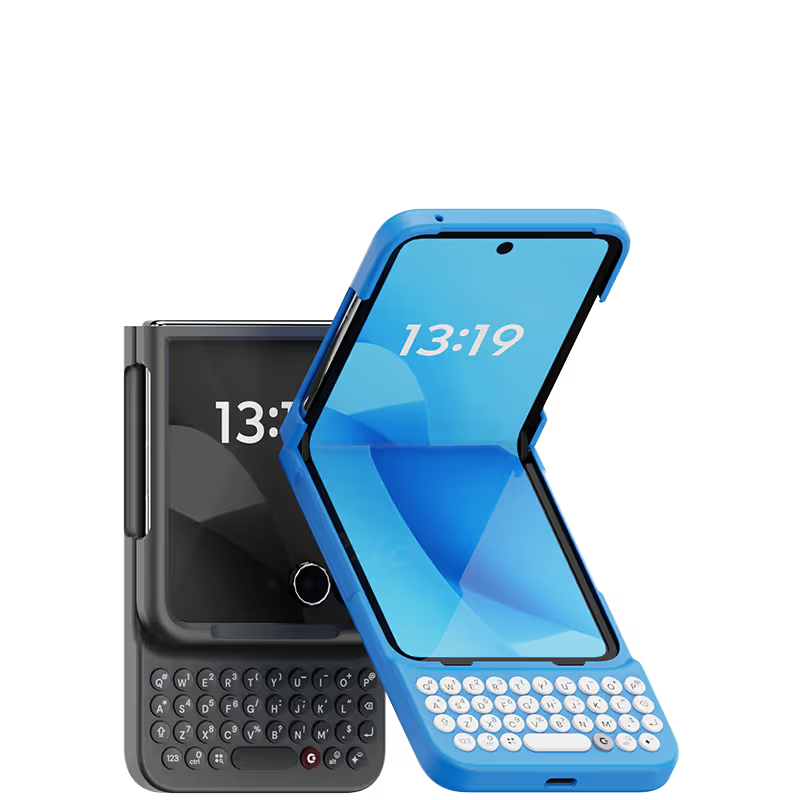
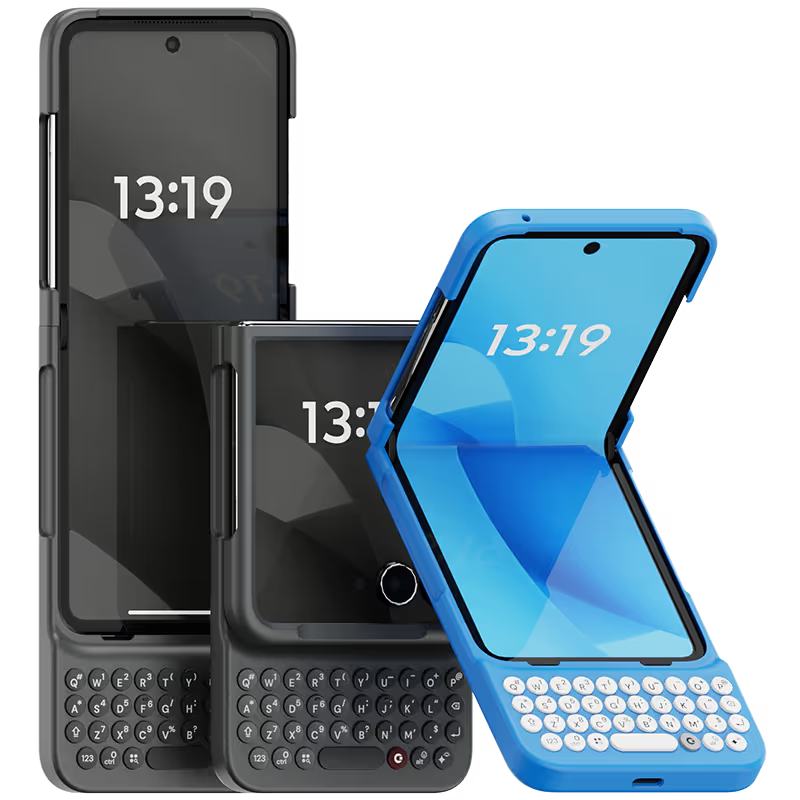


This keyboard is my new tech BFF. It’s so fun to use, with a two-week adjustment period, and after two months and some monkey-type practice, I felt confident in using it. It is so satisfying to use the keyboard, and my fingers are happy not to touch the screen as much. This case connects automatically and seamlessly. The iPhone charges well with the case on. The case is durable. No complaints, other than let's have the next one with a D-pad! I am going to buy a second one for work. If you reminisce about your Sidekick like I did almost on a daily basis, just buy the case!

物理キーの快感が素晴らしい。 毎日触るたびにワクワクする。 悪いところは重量が少し増えることだけど逆にこの重量感が嬉しい。
Very nice product and easy to use after a short learning period.
Writing this review on my Clicks right now. As someone who grew up with a BlackBerry and missed the feeling of physical keys, Clicks has been amazing! I don’t want to use my phone without it now.
Overall, my experience with the Clicks Technology device has been good. It brings back the nostalgia of the BlackBerry days with its accuracy and fantastic tactile feel — typing is smooth, responsive, and very enjoyable. On the positive side, the keyboard makes long typing sessions easier and more precise. However, since I’m using it with the iPhone Pro Max 16, the overall length is quite a bit longer, which took me about two weeks to get fully comfortable with. The size also makes it a little tricky to fit into pockets easily. In short: Pros: Excellent typing accuracy, tactile feedback, nostalgic BlackBerry-like experience. Cons: Larger size on Pro Max 16 takes adjustment, not pocket-friendly.
Attention, tech enthusiasts and keyboard warriors! Remember the nostalgic days of tactile typing on your mobile phones? The satisfying clickety-clack that accompanied every text message, email, and hastily written note? Relive those moments with Clicks for iPhone, a resurrection of the lost art of physical keyboarding. As a seasoned veteran of the mobile phone scene, I've witnessed the rise and fall of countless trends, but few have intrigued me like Clicks. This ingenious little add-on empowers you to transform your sleek touchscreen iPhone into a pocket-sized productivity powerhouse, enhancing your efficiency on the go. The Clicks keyboard is a marvel of engineering, with well-spaced keys that provide just the right amount of tactile feedback. Typing on it is like typing on a miniature laptop, but without the bulk or the awkward stares from fellow commuters. Sure, it takes a bit of getting used to. My thumbs initially felt like a fish out of water, flopping around in search of their digital home. But after a few days of practice, I was zipping through emails and social media posts with newfound speed and accuracy. And let's remember the sheer joy of hearing that satisfying click with every keystroke. It's a symphony of productivity, a rhythmic reminder that you're getting things done. Of course, there are a few minor quibbles. The Clicks keyboard adds a bit of bulk to your iPhone and makes it longer. But for those of us who prioritize function over fashion, these are minor sacrifices. So, if you're tired of hunting and pecking on your touchscreen keyboard or simply yearning for the tactile typing experience of yesteryear, give Clicks for iPhone a try. Your thumbs will thank you.
Clicks makes real typing on an iPhone a reality. Keeping your train of thought while typing, and muscle memory kicking in is just wonderful. I had been looking for something like this for years. Wouldn't be without it!
I have been a touch typer on phones for many years it is easier, quicker and - for someone with big fingers- more accurate. As a result, i have steered clear of Apple. Clicks has finally made Apple into something that I want and find easy and convenient to use - even down to how easy it was to install the keyboard. I am en extremely happy user and, finally, do not have “BlackBerry” withdrawal symptoms - well done Clicks - and thank you!

.webp)


.avif)
.avif)
.avif)


