Clicks Keyboard
Clicks Keyboard


.svg)



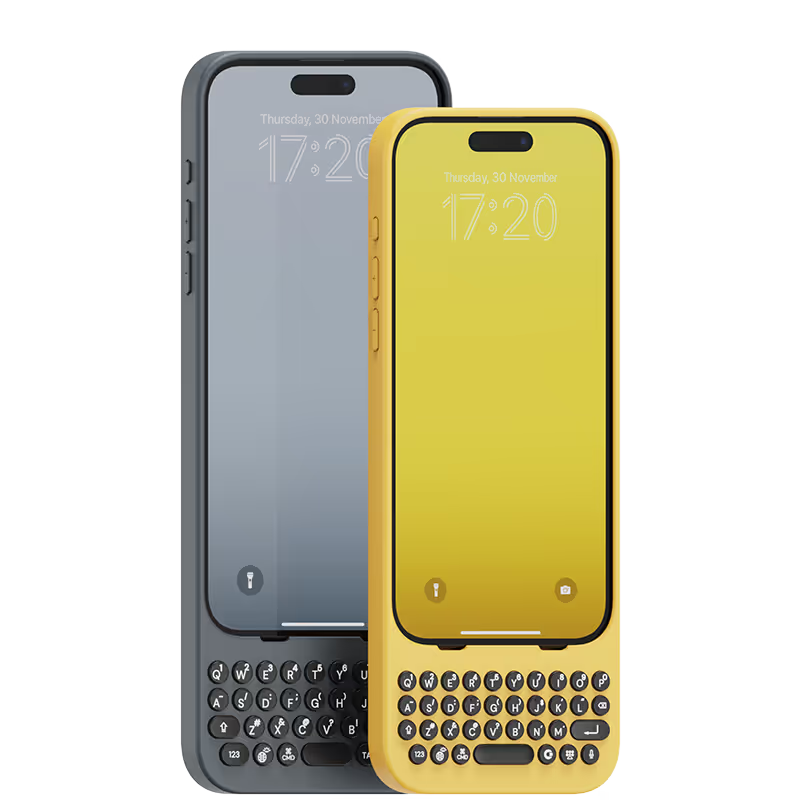
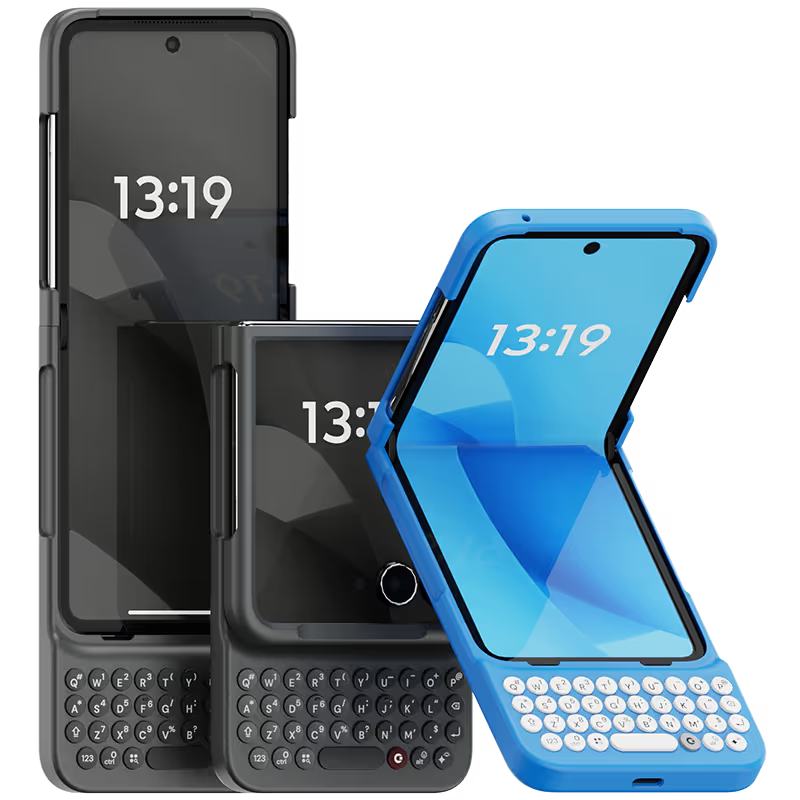


This changed my life. The best of both worlds and I love the larger real estate since the screen keyboard does not show up.

Typing on the iPhone is no longer a chore with the Clicks keyboard. Keyboard shortcuts are also excellent. I contacted support with a technical question and they responded within 5 minutes answering my query. For me this is a must have accessory from a great company.
Having a keyboard again to maximize the screen is absolutely essential. Felt programmed for years to think otherwise. Couldn't be more grateful for this to be in my hands.
I can't express how much I love using the "Clicks" keyboard attachment for my iPhone! As someone who types a lot on my phone, the tactile feedback of physical keys has been a game-changer. The "Clicks" keyboard seamlessly integrates with my iPhone and it is ready to use. However, what sets "Clicks" apart is its convenience. It attaches effortlessly to my iPhone, and I can easily carry it with me wherever I go. Whether I'm typing emails, working on documents, or chatting with friends, the "Clicks" keyboard has significantly improved my productivity and typing experience. I also appreciate the thoughtful design of "Clicks". It looks sleek and modern, complementing the aesthetics of my iPhone and the battery life is impressive, lasting through long typing sessions without needing a charge Overall, "Clicks" has made my iPhone more versatile and enjoyable to use. It's a must-have accessory for anyone who values efficiency and comfort in their mobile typing experience. I wholeheartedly recommend "Clicks" to all iPhone users!
For those who have had keyboard phones in the past, you just pick it up and start using it without looking pretty quickly and you get the full screen real estate back to view more content.
I avoided getting a Blackberry for as long as I could and then got given one in my job. I fell in love with it and became so fast on the keyboard. When the first iPhone came out, I swopped to it, but despite it being amazing, I did go back to Blackberry after six months or so, down to the keyboard. Then, Blackberry disappeared, and I had no choice but to get used to the iPhone. Anyway, I am now firmly in the iPhone camp and can't see myself ever-changing, but adding this keyboard case has made the iPhone even better. I love using it, and I'm getting faster at typing again; the other big plus is that I'm so much more accurate than a virtual keyboard. Things I hope for in a future version is a notification light and support for Carplay through the case.
I frequently rely on my phone for work when I don't have my laptop available or rather too lazy to turn it on, and the addition of the keyboard clickskeys has been a fantastic enhancement. It makes tasks, especially typing, much easier and more enjoyable! However, I have noticed that it adds some weight to my iPhone Pro Max. I hope that future versions/iterations will offer just the keyboard without the case, as I prefer not to use cases on my phone to fully appreciate its design and feel. I'm still discovering all the features it offers, and overall, I'm having a really great and enjoyable experience.
love the extra screen I get form having the clicks case installed. Took me a couple of weeks to get used to using it, but I find it to be much more accurate than the on screen keyboard. It always attracts a lo of attention when I take out my phone. The one improvement that I would like to see is the pond sign added, as that iOS the only time I go back to the on screen keyboard.
As an early Blackberry user, I was desperately looking for a phone with a physical Azerty keyboard to replace my 8-year-old BB KeyOne. Luckily I discovered Clicks and their wonderful keyboards, so I instantly bought one and I'm very happy with it. Many thanks to Clicks!
かつてのジャックバウアーの気分!昔のBlackBerryが甦ったようにタイピングを楽しめる❣️末長く大切に使い続けたい,cool なギアをありがとう( ^∀^)


.webp)

.avif)
.avif)